
I have made 2 scripts to bypass download limit(using the bypass site) for the 2 different types of folders(album/filesystem)
The first script is based on the existing script that relies on the bypass service, i made modifications and added information, it requires pixeldrain API key to get file sizes of the items, its meant to handle album type folders, links that have "/l/" in them.
e.g.
https://pixeldrain.com/l/Mu2qC139
Clicking on the "Show Bypass Links" will open a popup with the table, and show bypass links for each file, size of each file will only update after clicking show bypass links and will only happen if you set the API_KEY in the script, each item will in both the album and the list will now be a link to the item's download page(e.g. /u/icVBPJrt), not to the number of the item in the album(e.g. #item=3)
you can sort the table by filename or size(assuming you configured API_KEY its finished loading all the files sizes).
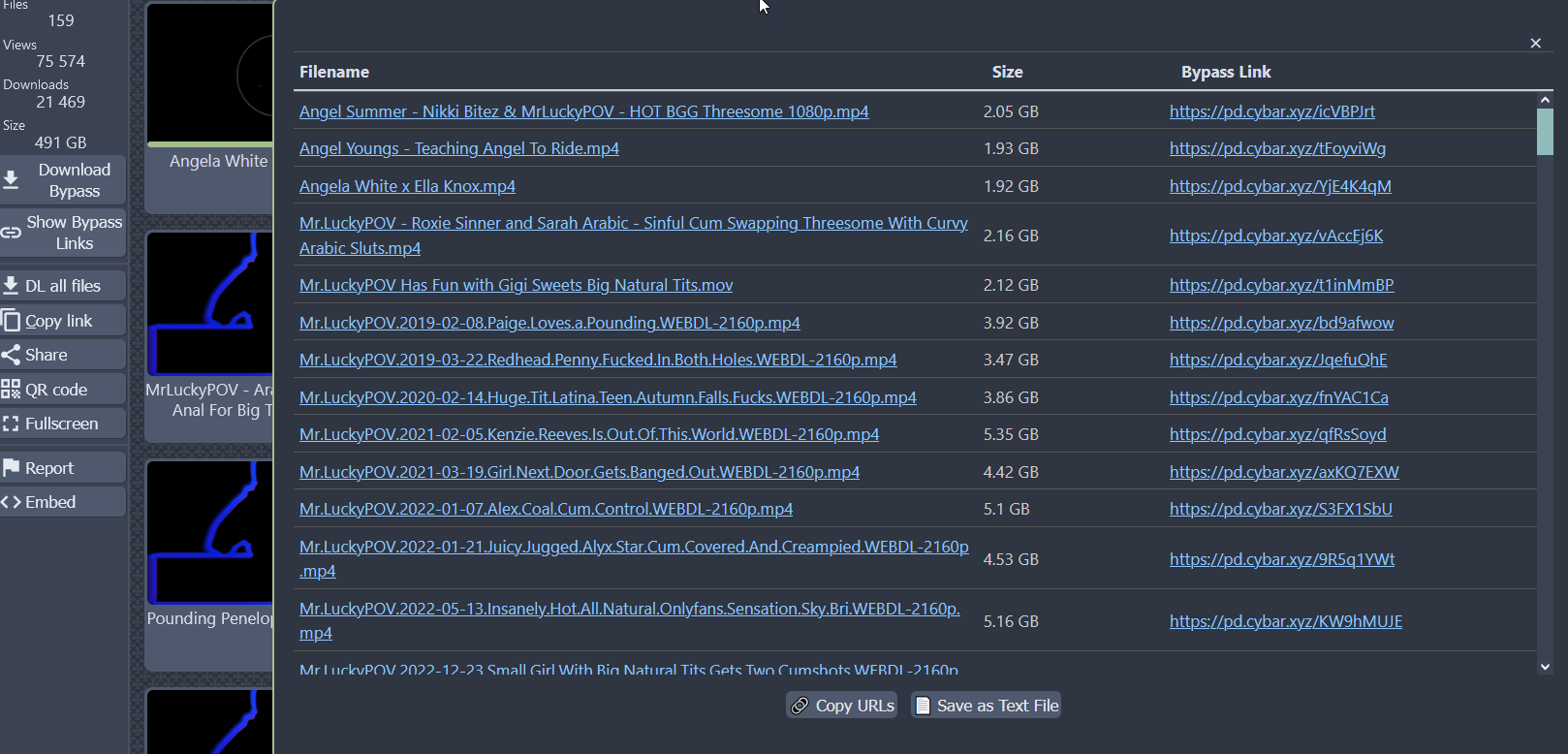
First Script
The second script is meant to handle filesystem type folders, links that have "/d/" in them, it does not require API Key since this type of folder shows more information by default, e.g.
https://pixeldrain.com/d/QuoKtG7m
it relies on the same bypass redirect service, however since they dont support filesystem type(AFAIK), this script utilizes a redirect script to correct the url once the bypass download link is pressed, it will show a "file not found" page and then should instantly redirect to the correct url.
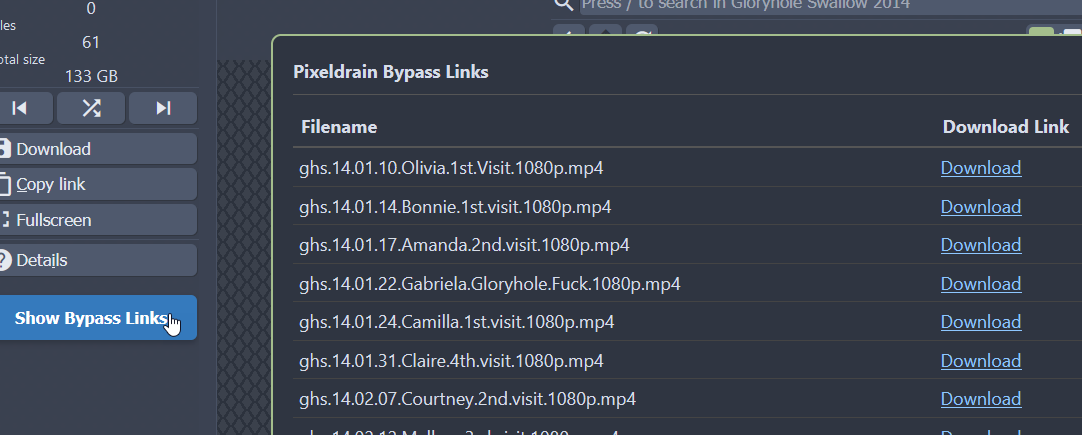
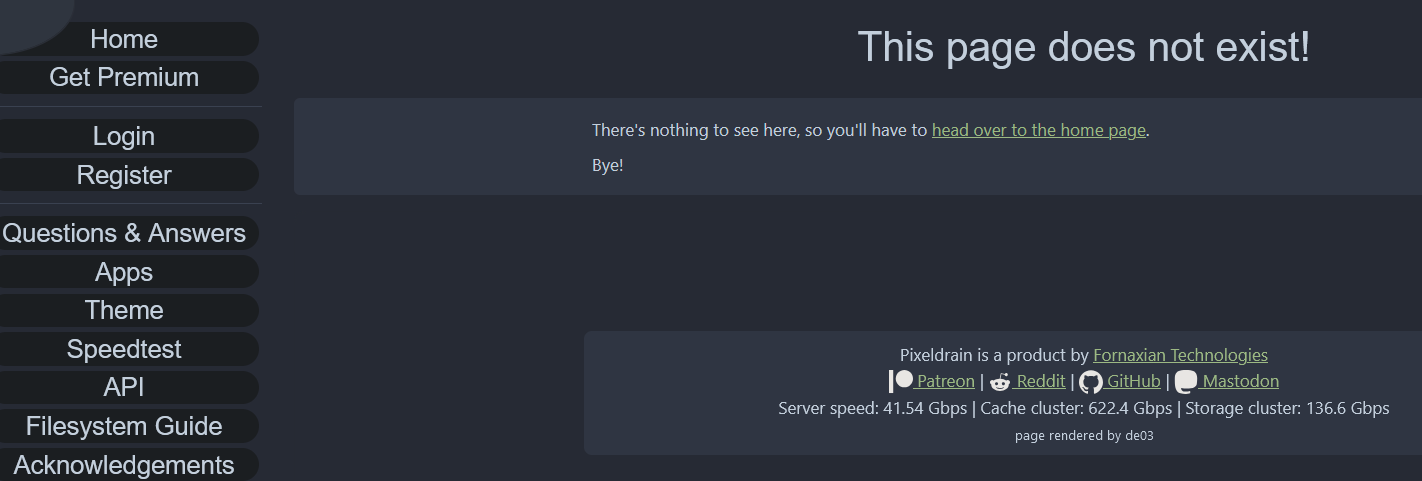

Second Script
The first script is based on the existing script that relies on the bypass service, i made modifications and added information, it requires pixeldrain API key to get file sizes of the items, its meant to handle album type folders, links that have "/l/" in them.
e.g.
https://pixeldrain.com/l/Mu2qC139
Clicking on the "Show Bypass Links" will open a popup with the table, and show bypass links for each file, size of each file will only update after clicking show bypass links and will only happen if you set the API_KEY in the script, each item will in both the album and the list will now be a link to the item's download page(e.g. /u/icVBPJrt), not to the number of the item in the album(e.g. #item=3)
you can sort the table by filename or size(assuming you configured API_KEY its finished loading all the files sizes).
First Script
The second script is meant to handle filesystem type folders, links that have "/d/" in them, it does not require API Key since this type of folder shows more information by default, e.g.
https://pixeldrain.com/d/QuoKtG7m
it relies on the same bypass redirect service, however since they dont support filesystem type(AFAIK), this script utilizes a redirect script to correct the url once the bypass download link is pressed, it will show a "file not found" page and then should instantly redirect to the correct url.
Second Script


